YouTube Automation with AI: Tools, Workflows and Limitations
Learn how AI can assist YouTube research, scripting, editing, captions, and publishing workflows while keeping content original, accurate, and compliant with platform rules.
AI & automation · 4 min read · Kriyvo journal

In this article
What does YouTube automation with AI mean?
YouTube automation with AI means using software to assist with parts of the video production process. It can help with topic research, outlining, script drafts, transcription, captions, editing assistance, thumbnail concepts, metadata drafts, and publishing checklists.
It does not guarantee views, subscribers, monetization, or income. Successful channels still need a clear audience, original value, editorial judgment, quality control, and consistent learning from audience feedback.
Which parts of production can AI assist with?
- Topic research: AI can organize a list of possible topics, cluster related ideas, and help identify questions an audience may have. Validate topics using actual audience feedback, search data, competitor research, and the channel's own analytics. Do not present invented search-volume numbers as facts.
- Outlines and script drafts: AI can create an initial structure, suggest examples, and improve clarity. Verify factual claims, add original insight, and rewrite the draft in the creator's own voice. Publishing unreviewed, generic scripts can result in weak content that offers little value.
- Voice and narration: Text-to-speech tools can create narration for some formats. Check commercial-use rights, voice permissions, pronunciation, and disclosure requirements that may apply. Never imitate a real person's voice deceptively or use a voice without appropriate authorization.
- Video editing: AI features can assist with transcription, silence removal, rough cuts, scene organization, or caption generation. A person should review timing, context, visual quality, and whether the final edit accurately represents the source material.
- Captions and accessibility: Automatic captions can save time but may misrecognize names, technical terms, accents, and numbers. Review captions and synchronize them with the final video.
- Titles, descriptions, and thumbnails: AI can generate options, but the final metadata should accurately describe the video. Avoid misleading titles, keyword stuffing, and thumbnails that promise something the content does not deliver.
Example workflow for a tutorial channel
- Select a topic based on audience need.
- Research the subject and save reliable sources.
- Draft an outline and identify claims that need verification.
- Write and edit the script.
- Record narration or prepare permitted synthetic narration.
- Assemble visuals and edit the video.
- Review copyright, licenses, factual accuracy, and disclosures.
- Generate and correct captions.
- Draft the title, description, and thumbnail.
- Upload and review every field before publishing.
- Analyze retention, click-through rate, comments, and viewer feedback.
- Use the findings to improve the next video.
Some steps can be connected through a workflow platform, but creative and editorial decisions should not be removed without considering quality.
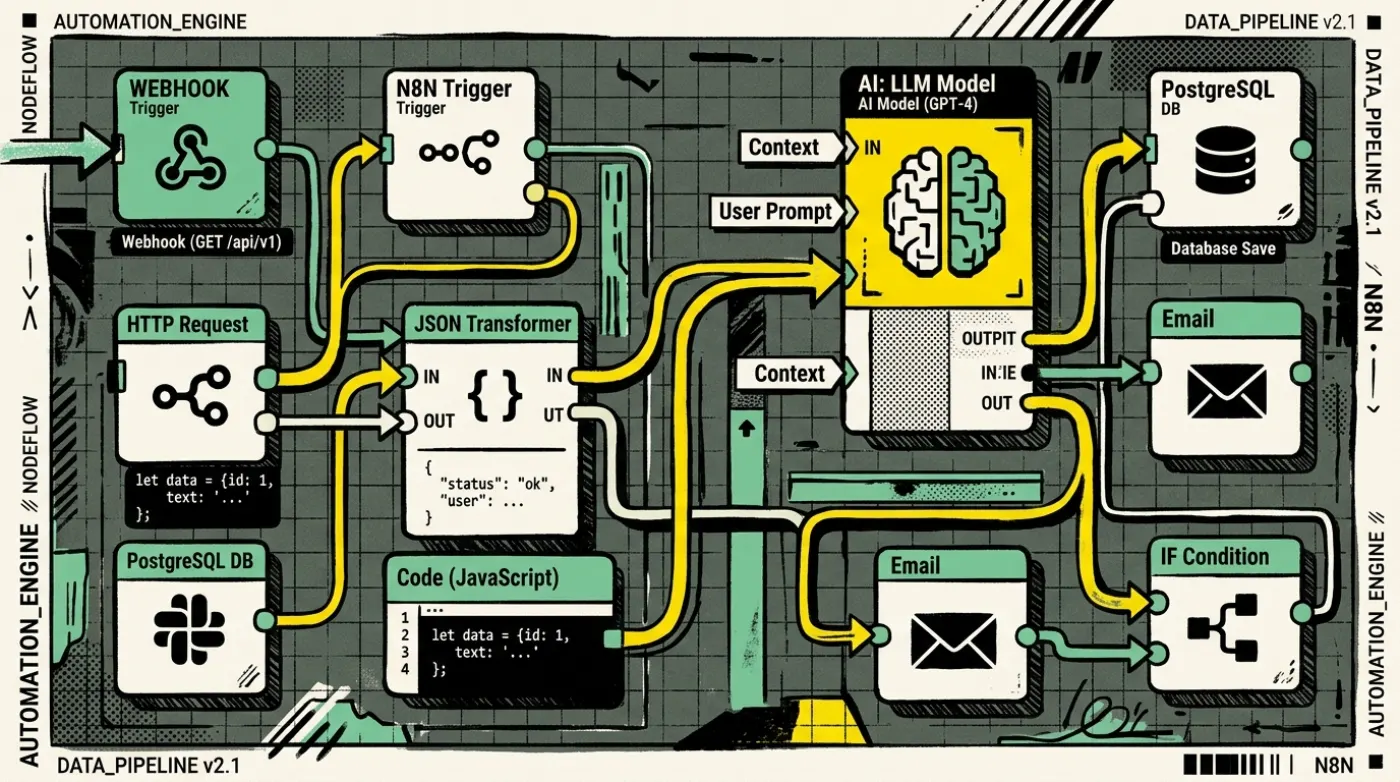
Example of a workflow automation
A content planning workflow might start when an editor approves a topic in a project board.
- The workflow creates a task and a source-research checklist.
- An AI step drafts a proposed outline.
- A human reviews the outline and factual sources.
- After approval, the workflow creates script and editing tasks.
- A caption file and metadata draft are stored for review.
- The editor marks the video approved before the publishing step is enabled.
This uses automation for coordination and AI for drafts while keeping final publication under human control.
Quality, originality, copyright, and platform rules
Before publishing, review the current YouTube policies, monetization requirements, copyright rules, and any disclosure requirements for altered or synthetic content. These policies can change.
Important practices:
- Add original explanation, demonstration, commentary, or analysis
- Check the rights for music, footage, images, and generated assets
- Do not copy another creator's script or distinctive work
- Do not assume that AI-generated content is automatically free of rights issues
- Avoid mass-producing repetitive videos that offer little original value
- Disclose synthetic or altered content when required by the platform's current rules
- Verify claims and references before publication.
The use of AI alone does not determine whether content qualifies for monetization. The content's originality, value, rights, and compliance matter.
What should not be fully automated?
Keep human review for:
- Factual claims and advice
- Copyright and licensing decisions
- Sensitive or controversial subjects
- Use of real people's likenesses or voices
- Final editing and storytelling
- Thumbnail accuracy
- Final publication approval.
A workflow can prepare a video package, but publishing without review increases the chance of factual errors, rights issues, and low-quality output.
Metrics worth tracking
- click-through rate, interpreted alongside impressions and traffic source;
- audience retention and watch time;
- returning viewers;
- subscriber conversion;
- production time per video;
- percentage of drafts needing substantial correction;
- copyright or policy issues;
- viewer feedback and satisfaction.
Do not judge a workflow only by how many videos it produces. Evaluate whether it helps create better content for the intended audience.
Conclusion
AI can reduce repetitive work in a YouTube production pipeline, but it cannot replace the need for originality, editorial judgment, and audience understanding. Automate coordination and repetitive editing tasks first, then use AI for research and drafts with human review.
Next step: Map your current video process and identify one time-consuming step that can be assisted without reducing quality.
Suggested CTA: Explore AI content workflow automation with Kriyvo AI.
Need this built? AI automation engineering
Connect business processes, APIs and AI where they add value — from lead processing and feedback routing to reporting.
See the serviceWritten for the Kriyvo journal. Product claims reported by third-party sources are not independent Kriyvo AI benchmarks.