What Is AI Automation? A Practical Guide for Businesses
Learn what AI automation is, how it works, where businesses can use it, and how to choose a practical first workflow.
AI & automation · 6 min read · Kriyvo journal

In this article
What is AI automation?
AI automation combines artificial intelligence with software workflows to help complete tasks that would otherwise require repeated manual effort. Traditional automation follows defined rules: when a specific event happens, perform a specified action. AI can add the ability to interpret language, classify information, summarize content, extract details from documents, or choose between predefined next steps.
For example, a traditional workflow might copy every new website enquiry into a spreadsheet. An AI-assisted workflow could also read the enquiry, identify the service the person is interested in, summarize their requirements, assign a priority, and prepare a response for a team member to review.
AI automation does not mean removing people from every process. In many businesses, the best approach is to automate repetitive steps while keeping people involved in decisions that are sensitive, expensive, unusual, or important to customer trust.
How does AI automation work?
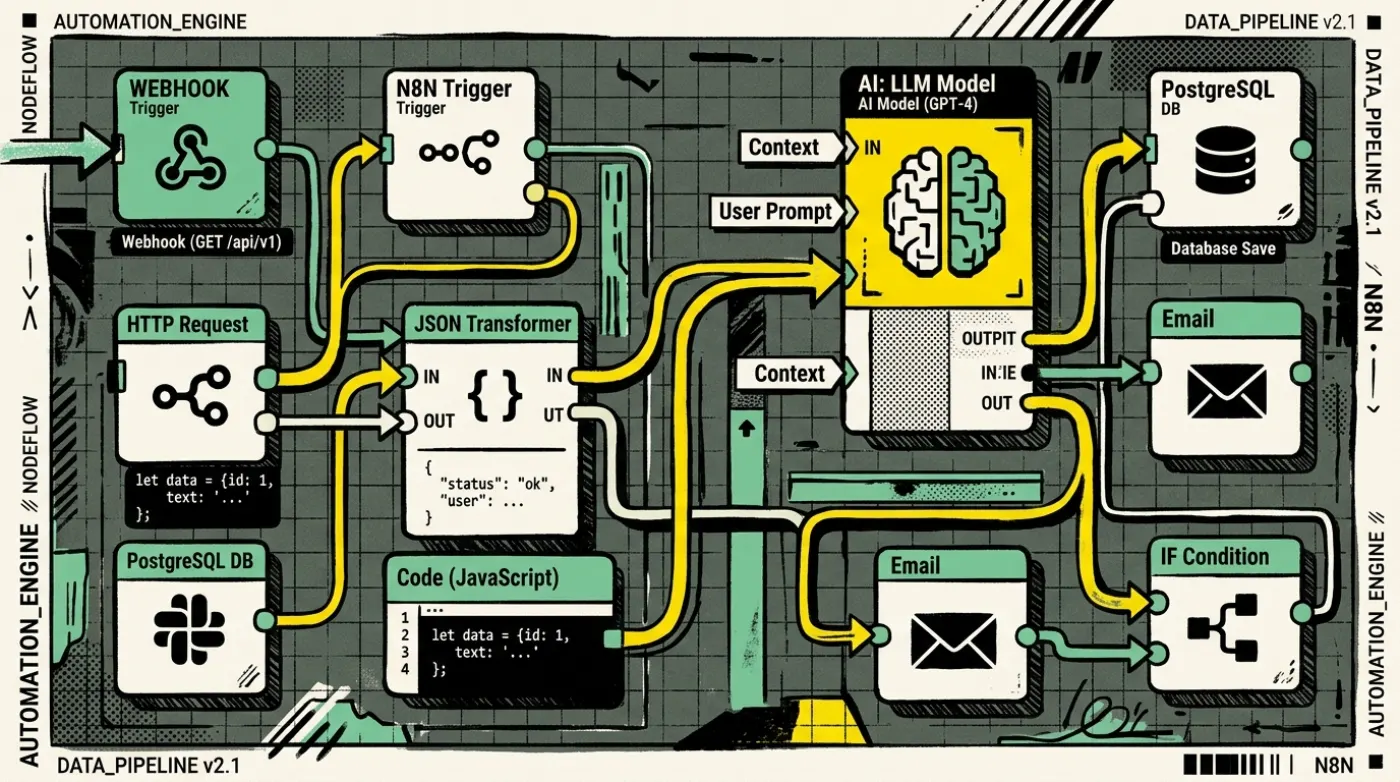
A useful AI automation system usually has five parts:
- Trigger: Something starts the workflow, such as a new form submission, email, customer message, scheduled event, or database update.
- Data collection: The system gathers the information required to do the task. It might retrieve a customer record, read a document, or check an order status.
- AI processing: A model interprets the input, extracts structured fields, classifies the request, or drafts a response.
- Rules and actions: The workflow checks the AI result against business rules and then takes an approved action, such as updating a CRM, notifying a team, or routing a conversation.
- Monitoring and review: The system records what happened, detects errors, and sends uncertain or high-risk cases to a person.
A reliable workflow separates the model's interpretation from the business rules. An AI model might classify a message as a refund request, but the actual refund should still follow the company's verified refund policy and authorization process.
AI automation vs. traditional automation
- Input — Traditional automation: Usually structured and predictable. AI-assisted automation: Can handle unstructured text, documents, and messages.
- Logic — Traditional automation: Explicit rules and conditions. AI-assisted automation: AI interpretation combined with rules.
- Best suited to — Traditional automation: Repetitive, stable processes. AI-assisted automation: Processes involving language or variable inputs.
- Reliability — Traditional automation: Highly predictable when inputs and rules are controlled. AI-assisted automation: Requires evaluation, monitoring, and fallback handling.
- Example — Traditional automation: Send a confirmation after a form is submitted. AI-assisted automation: Categorize the enquiry and draft a tailored confirmation.
These approaches are complementary. Use ordinary code and workflow rules whenever they are sufficient; use AI where interpretation or generation provides a real benefit.
Practical examples of AI automation
- Lead qualification: A business receives enquiries from a website, WhatsApp, or email. An AI step can extract the person's requirements, identify the requested service, and summarize the conversation. Rules can then route the lead to the appropriate team.
Keep in mind: Do not treat an AI-generated lead score as an unquestionable fact. Define the criteria, test the output, and allow staff to correct it.
- Customer support: An assistant can answer common questions using approved business information, such as delivery policies, service descriptions, or appointment rules. If the question is unclear or the answer is not in the knowledge source, the workflow should say so or hand the conversation to a human.
- Document processing: AI can extract fields from invoices, forms, applications, or PDFs and put them into a structured format. Validation rules should check required fields, dates, totals, and identifiers before information reaches accounting or other business systems.
- Marketing operations: Workflows can help classify incoming leads, prepare draft follow-up messages, summarize campaign responses, and create internal task reminders. Consent, opt-out preferences, platform policies, and human approval remain essential where relevant.
- Internal knowledge search: A retrieval-based assistant can search approved company documents and provide an answer with links or references to the source material. This is useful when staff repeatedly ask the same questions or need to find information across many documents.
Benefits of AI automation
- Less repetitive work: Reduce copying, sorting, summarizing, and routine data entry.
- Faster response handling: Route incoming enquiries without waiting for someone to manually review every message.
- More consistent processes: Apply the same checklist and rules across similar requests.
- Better visibility: Keep logs of workflow steps, failures, approvals, and outcomes.
- More useful data: Convert unstructured messages into fields that teams can search and report on.
These benefits depend on the quality of the workflow, data, integrations, and ongoing maintenance. AI automation is not automatically faster or cheaper for every task.
Risks and limitations to plan for
AI systems can misunderstand requests, invent details, miss context, or produce inconsistent output. They may also process personal or confidential information. Reduce these risks by:
- limiting the information each workflow can access;
- using approved sources for factual answers;
- validating outputs against schemas and business rules;
- requiring human approval for financial, legal, medical, or otherwise high-impact decisions;
- logging outcomes and monitoring error rates;
- providing a safe fallback when a model is uncertain or a connected service fails;
- reviewing privacy, retention, consent, and vendor requirements before launch.
How to identify the right first workflow
Choose a process that happens frequently, has a clear beginning and end, and currently consumes time through repetitive handling. Document the current steps before selecting tools.
A practical evaluation checklist:
- How many times does the task happen each week?
- How long does a person spend on each case?
- What mistakes occur, and what do they cost?
- Are the required data and permissions available?
- Can a person review exceptions?
- What would count as success after a pilot?
Start with a narrow workflow and compare its results with the existing process. Track completion rate, error rate, time saved, escalation rate, and user satisfaction—not just the number of automated actions.
A simple example workflow
Imagine a service business receives an enquiry through a website form.
- The form submission triggers the workflow.
- The workflow saves the original message and contact details.
- An AI step extracts the requested service, urgency, and key requirements into structured fields.
- Validation checks that the output is complete and uses allowed categories.
- The CRM is updated and the correct team is notified.
- If the message is unclear, the workflow flags it for manual review.
- The team records whether the classification was useful, helping improve the process.
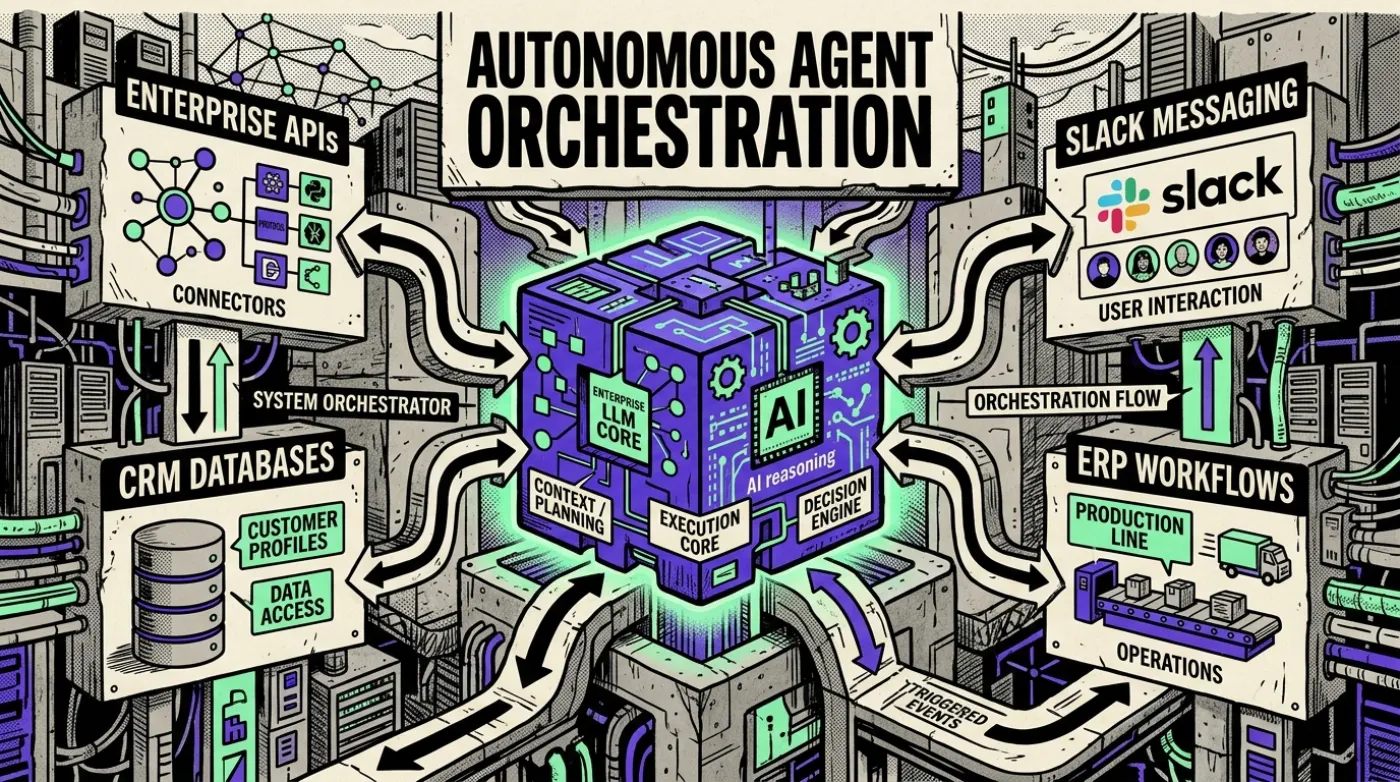
This is a better starting point than trying to build a fully autonomous sales agent before the business has reliable lead data and clear routing rules.
How Kriyvo AI can help
Kriyvo AI can help businesses assess repetitive workflows, design integrations, and implement practical solutions such as website enquiry automation, WhatsApp chatbots, and connected business tools. The right solution depends on your existing systems, process, data, and approval requirements.
Next step: List one repetitive task your team performs every day. Document the steps and the systems involved, then assess whether an automated workflow would improve speed or consistency.
Suggested CTA: Discuss an AI automation workflow with Kriyvo AI.
Need this built? AI automation engineering
Connect business processes, APIs and AI where they add value — from lead processing and feedback routing to reporting.
See the serviceWritten for the Kriyvo journal. Product claims reported by third-party sources are not independent Kriyvo AI benchmarks.