Best AI Automation Tools for Small Businesses in 2026
Compare workflow automation, AI assistants, integrations, and customer messaging tools by use case, cost, complexity, and maintenance needs.
AI & automation · 5 min read · Kriyvo journal

In this article
How should a small business choose an AI automation tool?
The best tool is the one that fits the workflow, existing systems, security requirements, budget, and team's technical ability. A popular platform is not necessarily the best choice for every business.
Before comparing products, define the task: What starts the workflow? What data does it need? Which systems must it connect to? What happens when an action fails? Does the process require AI, or would a normal rule-based integration be enough?
Main categories of tools
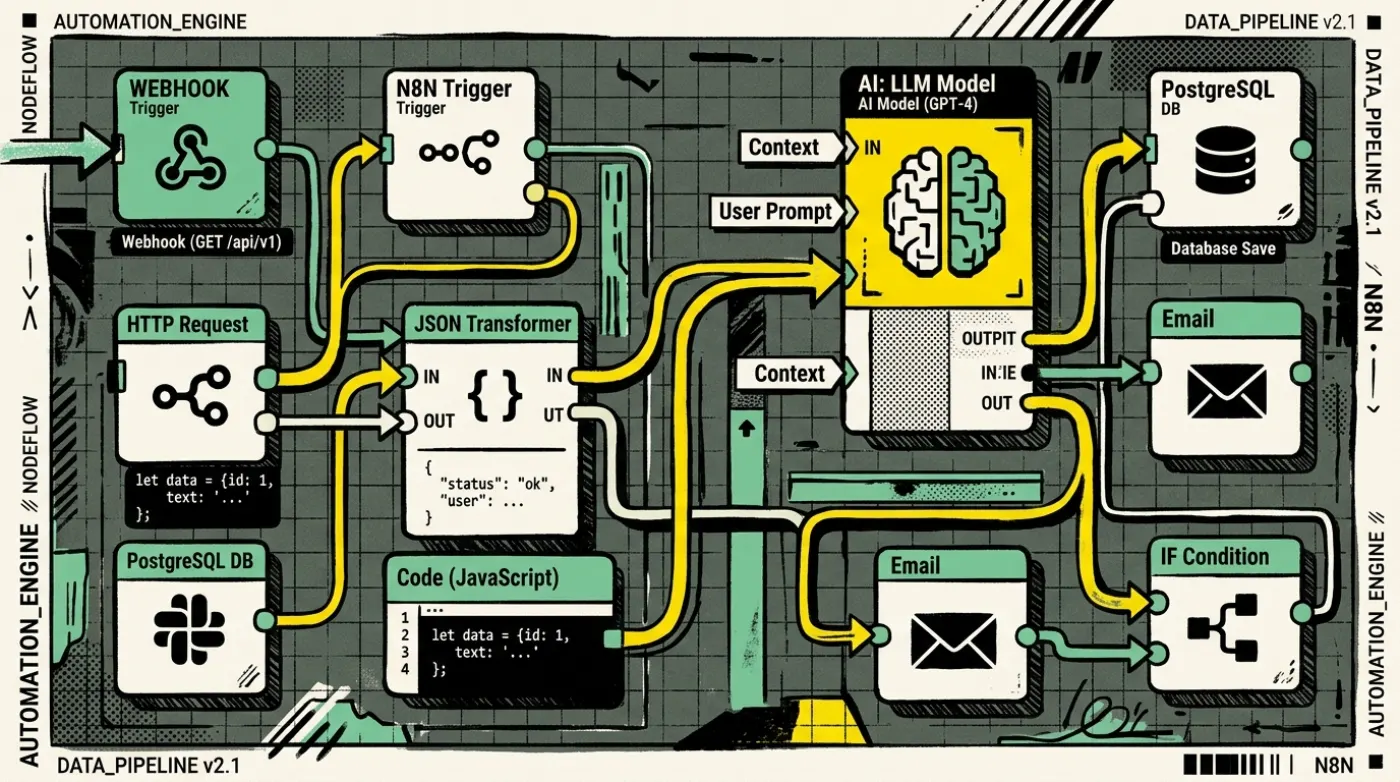
- Workflow automation platforms: These connect applications and move data through triggers, conditions, and actions. Examples include n8n, Make, and Zapier.
They are useful for lead routing, notifications, data synchronization, scheduled reports, and multi-step business processes. Compare available integrations, execution limits, hosting choices, debugging, access control, and pricing at the scale you expect to use.
- AI model and assistant platforms: AI model providers can classify messages, summarize documents, extract information, and generate drafts. The right choice depends on language quality, context requirements, latency, data handling, structured output support, reliability, and price.
Do not choose a model based only on a demo. Test it on representative examples, including ambiguous and difficult cases.
- Customer communication tools: Business messaging and support platforms can organize conversations, support templates, assign agents, and connect chat with customer records. If WhatsApp is important to the business, confirm the provider supports the required WhatsApp Business Platform features and follows current policies.
- Databases and CRMs: Automation is only as useful as the records it updates. A CRM stores lead and customer information; a database may support custom applications or structured workflows. Define which system is authoritative for each type of data to prevent conflicting records.
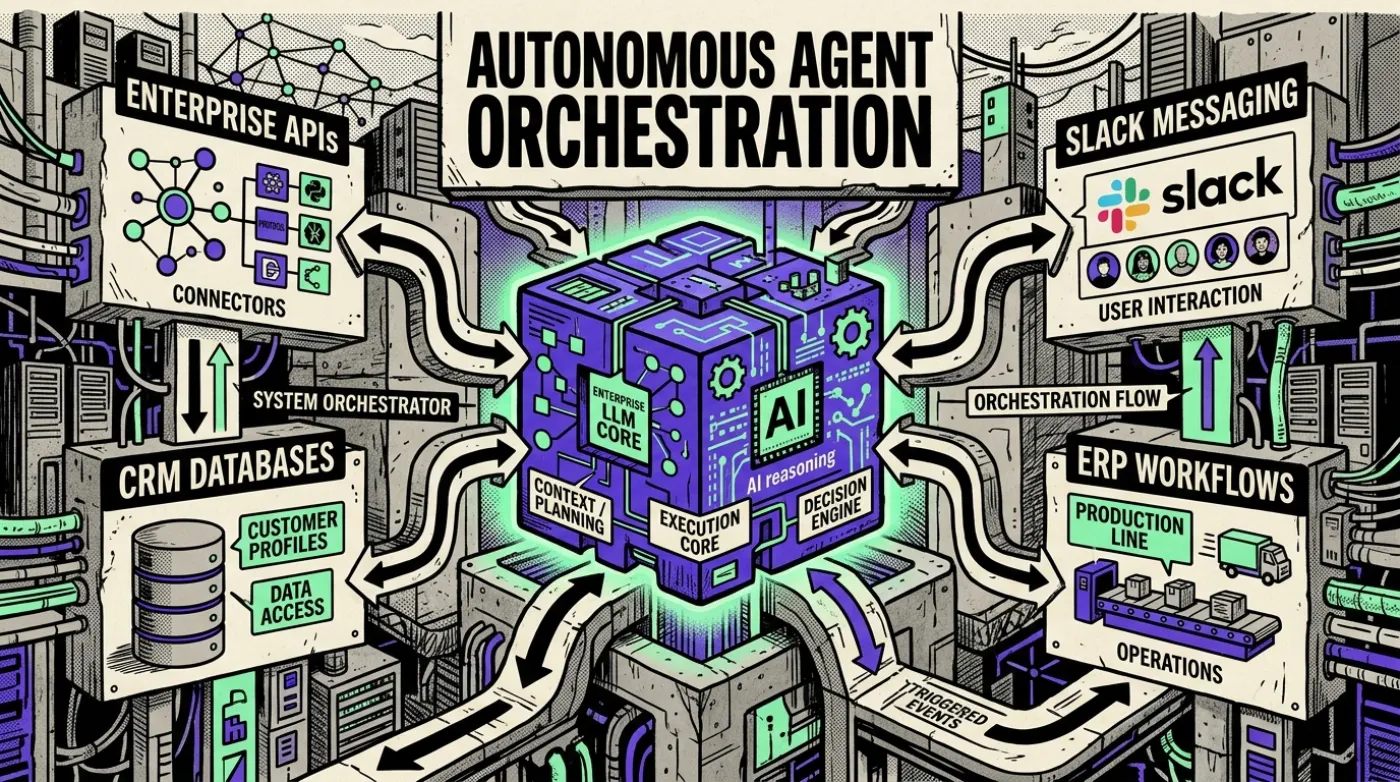
- Custom APIs and code: Some workflows need custom code or a small backend service. This is useful when an integration is unavailable, data transformations are complex, security controls are specific, or the process requires predictable behavior beyond a visual workflow.
A practical tool comparison
- n8n — Best fit: Flexible, multi-step workflows and technical teams. Things to evaluate: Hosting, maintenance, integrations, security, license and plan limits.
- Make — Best fit: Visual multi-step integrations. Things to evaluate: Scenario complexity, operation limits, pricing and debugging.
- Zapier — Best fit: Straightforward app-to-app automation. Things to evaluate: Available integrations, task limits, pricing and control over complex logic.
- AI model APIs — Best fit: Language understanding, extraction, summarization and generation. Things to evaluate: Accuracy, cost, latency, privacy, evaluation and fallback handling.
- CRM platforms — Best fit: Managing leads and customer records. Things to evaluate: Pipeline fit, permissions, reporting, integrations and data quality.
- WhatsApp Business Platform providers — Best fit: Business messaging and conversation workflows. Things to evaluate: Official support, templates, consent, inbox features, pricing and policy compliance.
- Custom backend/API — Best fit: Specialized or high-control workflows. Things to evaluate: Development time, monitoring, deployment, security and ongoing ownership.
This is a category-level guide, not a claim that one tool is universally superior. Product features, plans, and prices change; verify current vendor documentation before purchasing.
How to estimate the real cost
Do not compare only the advertised monthly subscription. Consider:
- platform subscription or hosting;
- workflow executions, operations, tasks, or API usage;
- AI model input and output usage;
- messaging charges and provider fees where applicable;
- implementation and integration work;
- maintenance, monitoring, and incident handling;
- security and compliance work;
- the cost of errors and manual review.
Estimate the total cost for a realistic monthly workload. A low-cost tool can become expensive if every event triggers many operations or repeated model calls.
A selection framework
Score each shortlisted tool from 1 to 5 against the requirements below:
- Workflow fit: Can it perform the required steps without awkward workarounds?
- Integration: Does it connect to the actual systems and data you use?
- Reliability: Can it handle retries, timeouts, and duplicate events?
- Security: Can you control access and protect credentials and data?
- Maintainability: Can your team understand and troubleshoot it?
- Cost: Is the total cost acceptable at expected volume?
- Flexibility: Can it support the next likely workflow without a complete rebuild?
Weight the criteria based on the importance of the workflow. A customer messaging system may need stronger consent and delivery controls than an internal notification workflow.
Recommended starting stacks by need
A non-technical team automating simple tasks: Start with a tool that has the necessary integrations and a user interface your team can maintain. Keep the workflow small and document who owns it.
A technical team connecting multiple services: Evaluate n8n or another flexible workflow platform, with custom code where it genuinely helps. Plan hosting, credentials, monitoring, and backups from the beginning.
A business building an AI support assistant: Use an approved knowledge source, a model tested on real questions, rules for sensitive actions, and a human escalation path. The chatbot interface is only one part of the solution.
A business automating WhatsApp leads: Choose a supported messaging setup and design the workflow around consent, templates, opt-outs, CRM records, and human handover. Verify platform and provider requirements before launch.
Mistakes to avoid
- Buying a platform before defining the process.
- Automating a broken process without improving it first.
- Sending sensitive data to services without reviewing their data practices.
- Assuming AI output is correct without validation.
- Ignoring plan limits and usage-based charges.
- Building workflows nobody is responsible for maintaining.
- Switching tools because of a feature announcement without measuring the current workflow.
Final recommendation
Start with one measurable problem and compare two or three tools against it. Build a small pilot, test failure scenarios, calculate real operating cost, and ask the people who will use it whether the process improved.
Next step: Write down your workflow, the systems involved, and expected monthly volume before choosing a platform.
Suggested CTA: Ask Kriyvo AI to help evaluate the right automation stack for your business.
Need this built? AI automation engineering
Connect business processes, APIs and AI where they add value — from lead processing and feedback routing to reporting.
See the serviceWritten for the Kriyvo journal. Product claims reported by third-party sources are not independent Kriyvo AI benchmarks.