PHP Security Checklist for Website Owners: Updates, Hosting, and Prevention
Use this practical PHP website security checklist to maintain supported software, manage dependencies, secure hosting, protect backups, and respond to security advisories.
Engineering · 8 min read · Kriyvo journal
In this article
Why every PHP website needs a security routine
A newly reported PHP vulnerability can prompt a sudden rush of searches, but long-term security depends on routine maintenance. Website owners need a repeatable way to review runtime updates, dependencies, access controls, backups, and hosting configuration—not just react to one headline.
This checklist is designed for business owners, site managers, developers, and teams that maintain PHP-based websites. Adapt it to your architecture and follow your hosting provider's and framework's official security guidance.
1. Keep PHP on a supported release
Check whether your PHP branch receives security support. Unsupported branches may no longer receive fixes from the PHP project, which increases maintenance risk.
- Review the PHP project's supported-versions page.
- Plan upgrades before support ends.
- Check compatibility with your application and dependencies.
- Confirm the version serving production.
- Track runtime versions across separate applications and environments.
A version that is “new enough” in a tutorial may not be supported today. Use the current official support policy rather than a static blog post.
2. Establish a security-advisory process
Choose someone responsible for monitoring security announcements from PHP, the operating system, framework, hosting provider, and important dependencies.
For each relevant advisory:
- Record the advisory identifier and publication date.
- Determine whether your deployed version or configuration is affected.
- Identify the owner of the update: your team, host, platform, or vendor.
- Set a priority and target remediation date based on severity and exposure.
- Apply the fix using the supported process.
- Verify the production deployment and record the result.
For urgent advisories, use your organization's emergency patching procedure rather than waiting for the next routine maintenance window.
3. Maintain application dependencies
PHP applications often rely on frameworks, libraries, CMS plugins, themes, and vendor packages. A secure runtime does not make vulnerable dependencies safe.
- Keep a current inventory of direct and transitive dependencies.
- Remove packages and plugins that are no longer needed.
- Update maintained dependencies through trusted package sources.
- Check official security advisories for your framework and CMS.
- Test updates before production deployment.
- Avoid abandoned plugins or packages without a clear maintenance plan.
If your project uses Composer, review the project's dependency files and lockfile through your normal development workflow. Do not blindly update every dependency in production without testing.
4. Protect secrets and credentials
Database passwords, API tokens, cloud credentials, and signing keys should not be exposed in public repositories, client-side code, logs, or screenshots.
- Store secrets using your platform's secret-management mechanism or protected environment configuration.
- Restrict access to the people and services that need it.
- Rotate credentials when they may have been exposed.
- Use separate credentials for development, staging, and production.
- Remove secrets from public repositories and address the exposure, not just the visible line of code.
- Never share credentials in support requests or public vulnerability discussions.
If a secret is exposed, treat it as potentially compromised until it has been rotated and the access reviewed.
5. Use least-privilege access
Give each account and service only the permissions needed for its job.
- Use separate administrative accounts.
- Remove former staff and unused accounts promptly.
- Enable multi-factor authentication where available.
- Restrict database and server access to trusted users and networks.
- Avoid using administrator-level credentials for routine application tasks.
- Review file and directory permissions against your application's requirements.
Do not solve permission problems by making the entire application directory writable by everyone.
6. Validate inputs and handle output safely
Application-level vulnerabilities can exist independently of the PHP runtime. Follow secure coding practices for every route that accepts user input.
- Validate input against the expected type, format, length, and allowed values.
- Use parameterized database queries or the framework's safe query interface.
- Apply context-appropriate output encoding.
- Protect state-changing requests against cross-site request forgery where applicable.
- Restrict file uploads by type, size, storage location, and processing needs.
- Avoid executing user-controlled input as code or shell commands.
- Return generic error messages to users while keeping detailed diagnostics in protected logs.
Security controls should be designed and reviewed in the context of the application; no single validation function fixes every class of bug.
7. Configure production errors and logs safely
Detailed error messages can reveal internal paths, software versions, queries, or configuration details. In production, configure the application to avoid displaying sensitive diagnostic output to visitors.
At the same time, preserve useful logs in a protected location. Restrict who can read them, define a retention period, and avoid logging passwords, tokens, session identifiers, or unnecessary personal data.
Review logs for unexpected failures, unfamiliar administrative activity, suspicious requests, or other indicators relevant to your application. Logging is most useful when someone is responsible for reviewing alerts and responding to them.
8. Secure file uploads and writable directories
File uploads and writable paths need careful handling because they may be exposed to untrusted users.
- Store uploads outside executable application directories when possible.
- Apply file size and type restrictions.
- Generate safe server-side filenames rather than trusting user-supplied paths.
- Prevent uploaded files from being interpreted as executable code.
- Restrict write permissions to the directories that need them.
- Keep temporary files and caches from exposing sensitive data.
- Review how image, document, and archive processing is performed.
The exact controls depend on the web server and hosting environment. Follow the provider's guidance for disabling script execution in upload locations.
9. Protect backups and test restoration
A backup is useful only if it is available, sufficiently current, and restorable.
- Back up application files and required data.
- Restrict access to backup storage.
- Encrypt backups when appropriate.
- Keep a copy isolated from the production account where practical.
- Define retention and deletion policies.
- Test restoration periodically.
- Document the person responsible for recovery.
If you suspect a compromise, do not automatically restore a backup without assessing whether it contains the same malicious change or vulnerable application version.
10. Use HTTPS and review hosting configuration
Use HTTPS across the site and ensure certificates renew reliably. Review the hosting environment's access controls, server updates, database exposure, and application configuration.
Depending on the stack, relevant controls may include secure cookie attributes, appropriate security headers, restricted administrative endpoints, network access controls, and disabling unnecessary services. Avoid copying a generic server configuration without checking whether it fits your application.
11. Create a repeatable PHP update workflow
A dependable workflow should answer four questions:
- Discover: Which PHP versions and applications do we operate?
- Assess: Which advisories apply to those versions and configurations?
- Remediate: Who applies the fix, and through which supported deployment process?
- Verify: How do we prove the production runtime is updated and the site still works?
Use a lightweight register with the application, environment, PHP version, advisory, action owner, status, deployment date, and verification result. The goal is not paperwork for its own sake; it is to avoid forgotten systems and ambiguous ownership.
12. What to do when a new PHP vulnerability is announced
When a high-impact issue appears:
- Find the official advisory and confirm the affected versions.
- Inventory the PHP runtimes you control.
- Ask your hosting provider about managed systems.
- Prioritize exposed production systems according to the advisory and your risk.
- Apply the documented fixed release or provider patch.
- Test and verify the deployed runtime.
- Follow incident-response guidance if exploitation may have occurred.
- Record the outcome and schedule any remaining upgrades.
Do not assume that an online vulnerability scanner can prove a system is safe. Scanners can miss affected configurations, and a version banner alone may not accurately represent a vendor's backported security fix.
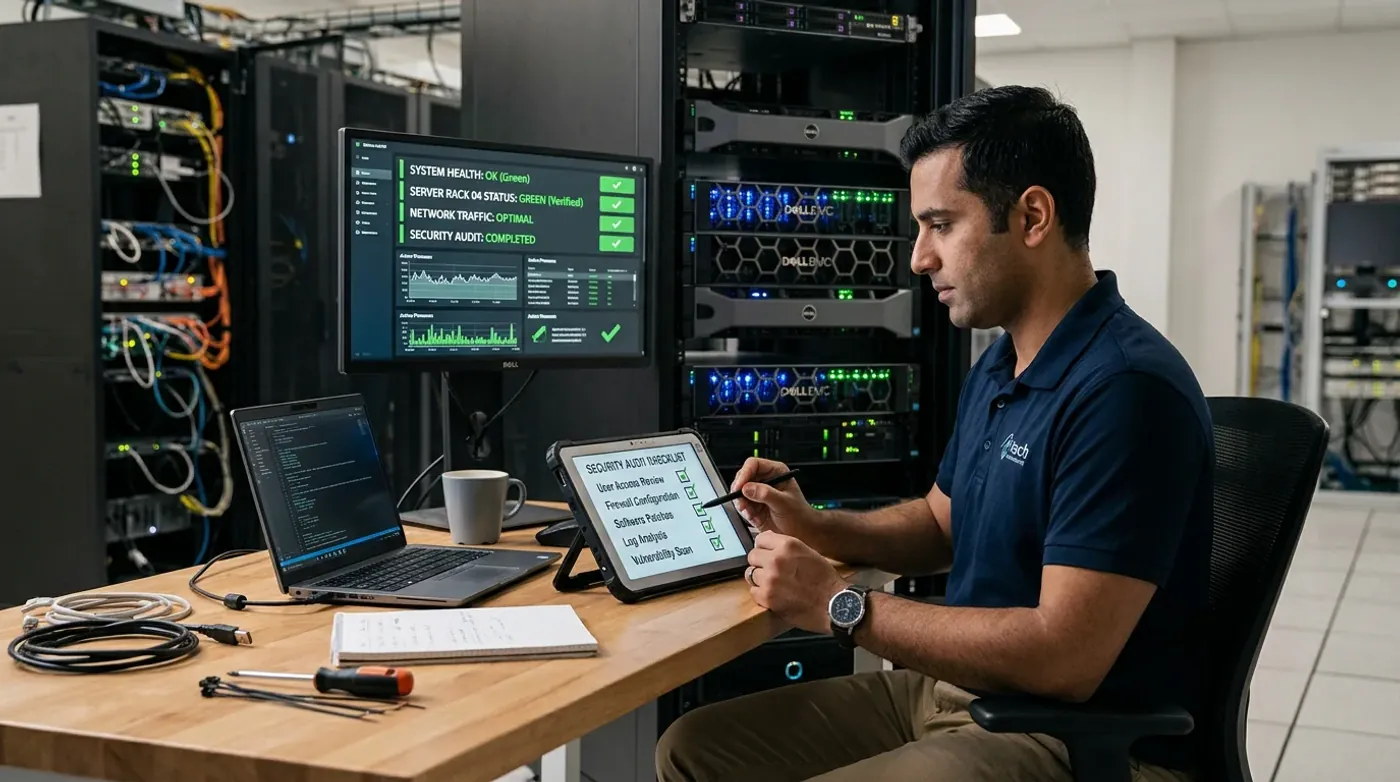
Monthly PHP website security checklist
- Confirm PHP is on a supported release
- Review relevant PHP, framework, CMS, and hosting advisories
- Check runtime versions across production and secondary environments
- Update maintained dependencies and remove unused packages
- Review administrator accounts and access permissions
- Check secret storage and rotate exposed credentials
- Verify backups and perform restoration tests
- Review application and server logs
- Check HTTPS and certificate renewal
- Test the documented incident and rollback process
Frequently asked questions
What is the best way to secure a PHP website? Start with supported software and timely security updates, then maintain dependencies, least-privilege access, secure input handling, protected secrets, backups, logging, and a tested incident-response process.
Are PHP updates enough to secure my website? No. Runtime updates address runtime issues, but application code, plugins, server configuration, access controls, and operational processes also matter.
How often should I update PHP? Apply security fixes according to their urgency and official guidance. Plan supported-version upgrades before end of support, and test compatibility through your normal deployment process.
Can a website be compromised even if PHP is patched? Yes. Other software flaws, exposed credentials, weak access controls, or previously installed malicious code may still create risk. Patching is necessary but not a guarantee that the whole site is clean.
What should a small business do if it has no in-house developer? Ask the hosting provider or a qualified website-maintenance professional to identify the production runtime, confirm patch status, and document who is responsible for future security updates.
Official references
- PHP supported versions: https://www.php.net/supported-versions.php
- PHP downloads and releases: https://www.php.net/downloads.php
- PHP news archive: https://www.php.net/archive/2026.php
- OWASP Cheat Sheet Series: https://cheatsheetseries.owasp.org/
Keep your website maintenance predictable
Kriyvo AI helps businesses with websites and automation solutions. A clear maintenance plan makes it easier to respond to security advisories, keep software supported, and know who is responsible for updates. For a production system, coordinate changes with the person or provider who administers your hosting environment.
Need this built? AI automation engineering
Connect business processes, APIs and AI where they add value — from lead processing and feedback routing to reporting.
See the serviceWritten for the Kriyvo journal. Product claims reported by third-party sources are not independent Kriyvo AI benchmarks.